Yes. You now have a “Hello-Blog”, but it is completely empty.
First, change the basic information of the site via hugo.toml.
Here is the hugo.toml I used.
I was too lazy to customize the look much, so I just changed the primaryColor for the accent.
I also added my email, social links, and several links to the left menu.
The avatar can be either a URL or a file in the static folder (and I chose to upload it).
After running hugo server in the your-lovely-blog-name folder, you will see something like this.
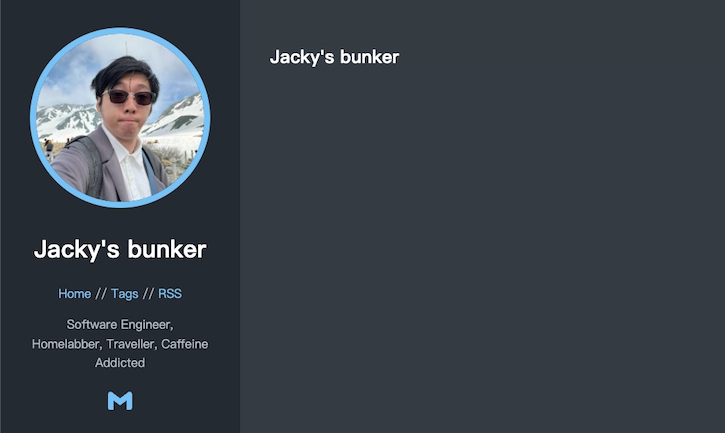
You can also edit everything (e.g. layout / post / configuration) on the fly, and the server will watch the file changes and rebuild the site.
To write a blog post, you need to create a markdown file in content/posts inside your your-blog-content folder.
This is the markdown
I created for the first post
You can take that as a very simple example of how to build a blog post.
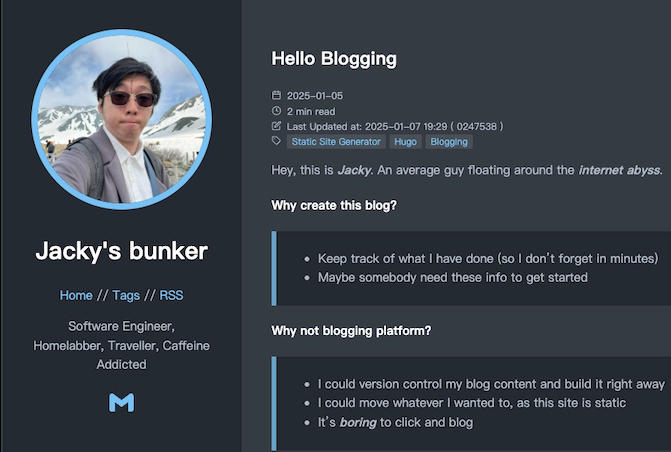
After adding the markdown file, you can see the blog post. (The Last Updated Entry is not part of the original theme.)
Next up: deploying the website the manual way.