First post on 2026 ٩(◕‿◕)۶.
The scenario
You may have multiple Google accounts that can be used with gemini-cli.
You may also want to dedicate a specific account to a specific project.
And as you probably know, gemini-cli only supports a single credential saved in ~/.gemini per login user.
While I was building my account-switching setup,
I discovered this
in the gemini-cli repo.
It has a GEMINI_CLI_HOME environment variable on the nightly build (⊙.⊙)?
That means I can bind the credential setting to a folder other than the fixed ~/.gemini (⊙.⊙)?
The answer is yes.
The idea
- Make use of the mechanism
wheregemini-clioverrides environment variables when the current folder has some kind of.envfile in the.geminifolder. - Take the credential stored in
~/.geminiand store it somewhere else (e.g./home/user/credentials/some-project-id/.gemini) - In your project folder, create a
.gemini/.envfile and letgemini-cliread the credential from your specified location (GEMINI_CLI_HOME) instead of~/.gemini
The Steps
Install a nightly version of
gemini-cli, because the current stable version (0.24as of2026-01-19) does not support that yet.npm install -g @google/gemini-cli@nightly
FYI: the version I am using is0.26.0-nightly, so this may already be supported in0.26stable by the time you read this.Make a copy of your
~/.geminisomewhere else, something like this:
mkdir -p /home/user/credentials/some-project-id/.gemini
cp -r ~/.gemini/. /home/user/credentials/some-project-id/.gemini
If you have multiple accounts, just log out and log back in with gemini-cli, then copy ~/.gemini elsewhere after each login.
- In your project folder, create
.gemini/.env, and place these variables in it:
GEMINI_CLI_HOME="/home/user/credentials/some-project-id"
GOOGLE_CLOUD_PROJECT="some-project-id"
CLOUD_SHELL=true
CLOUD_SHELL=true is required for gemini-cli to override
the GOOGLE_CLOUD_PROJECT
environment variable.
Once the environment is in place, just run gemini in your project folder.
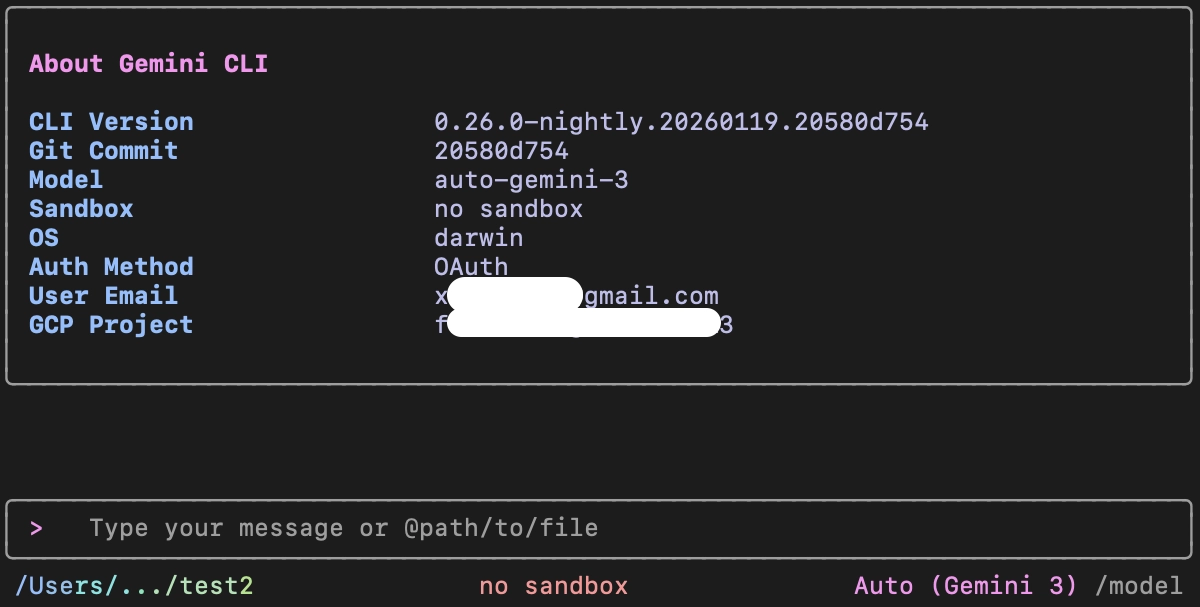
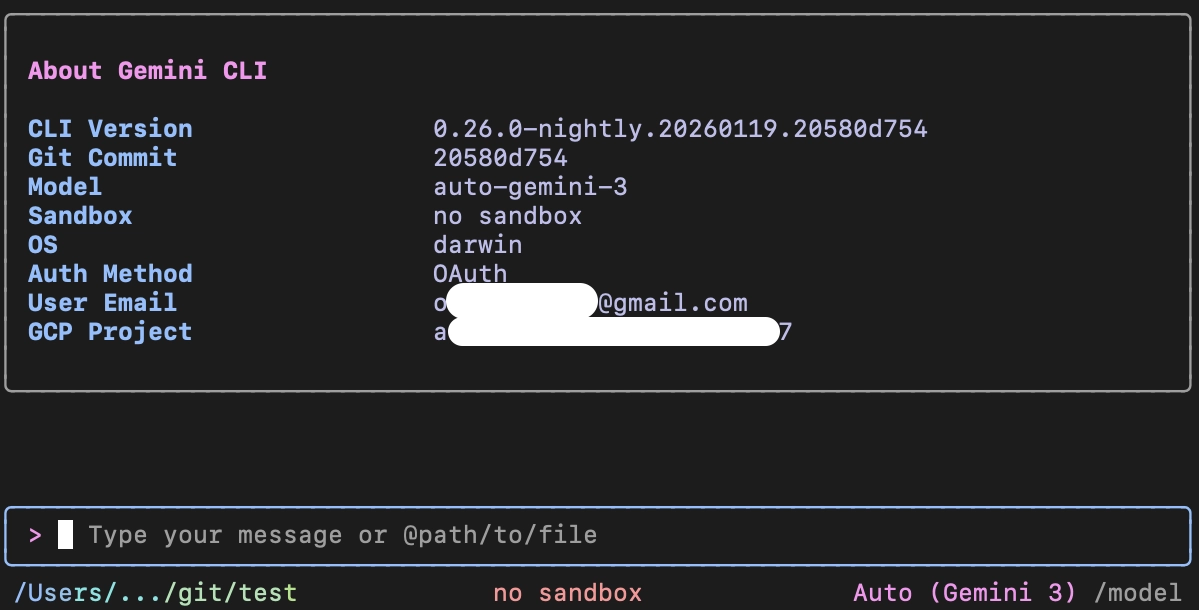
Yes, it works as expected ٩(◕‿◕)۶.
You can now have separate quotas for different projects ٩(◕‿◕)۶.